




Moving to China? Essential tech tips you need to know!

TEK-Shanghai · Newcomer Tech Guide
Moving to China? Essential tech tips you need to know
Welcome to Shanghai — your new adventure starts here. We’re the only fully English-speaking tech support and gadget service made for expats in China: device setup, the right tech solutions, and none of the usual language headaches. This is your guide to getting settled.
Jump to a topic
 Power & plugs220V, adapters & converters
  What to bringPack vs. leave behind
  InternetProviders, WiFi & access
  TV & streamingNetflix, devices & TVs
  SIM cardsCarriers & plans
  Maps & translationGet around & communicate
  Online shoppingTaobao, JD & payments
  WeChatThe app that runs life
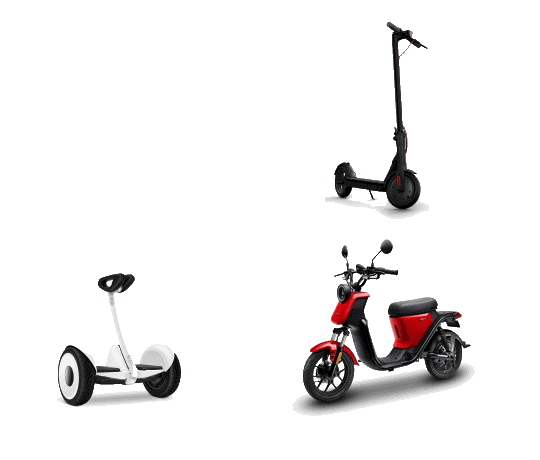
  TransportationDidi, metro & bikes
  CensorshipWhat to know online
Power plugs in China
China’s voltage is 220 volts. The standard plugs are three prongs angled in a V-shape (the Australian socket) plus two flat parallel prongs. Most power adapters and power bars combine both, so you can fit either the 2-prong or 3-prong plug.
If you’re bringing appliances from the US, Canada, Mexico, or Japan, check the power label. If it says 110–120V, you’ll need a step-up voltage converter to use them safely in China (which runs on 220V).
Choose a converter that handles at least 1.5× your device’s power draw — e.g. for a 120W device, pick a converter rated for at least 180W.
What to bring — and what to leave behind
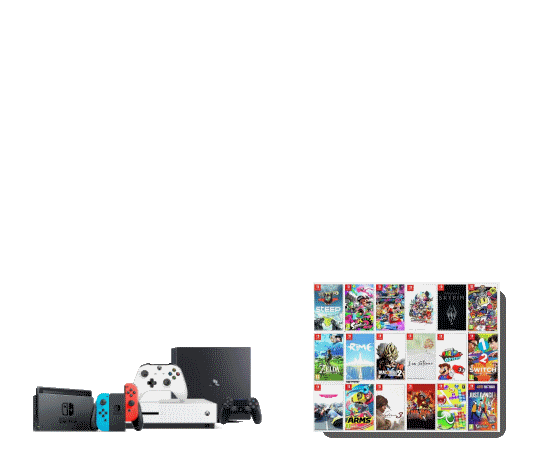
- Laptops and small appliances like electric shavers, toothbrushes, and TV boxes
- Desktop PCs — just make sure the power supply label says 110–240V. If not, you’ll need a voltage converter (China runs on ~220V).
- Hair dryers and TVs that only support 110V — they typically don’t work well with converters
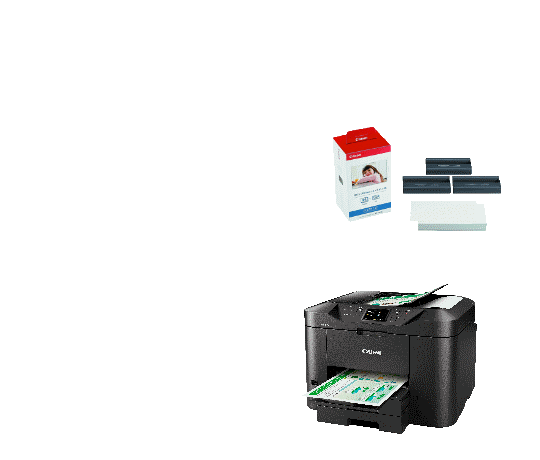
- Printers and ink cartridges — printer regions are locked, and compatible ink is hard to find in China
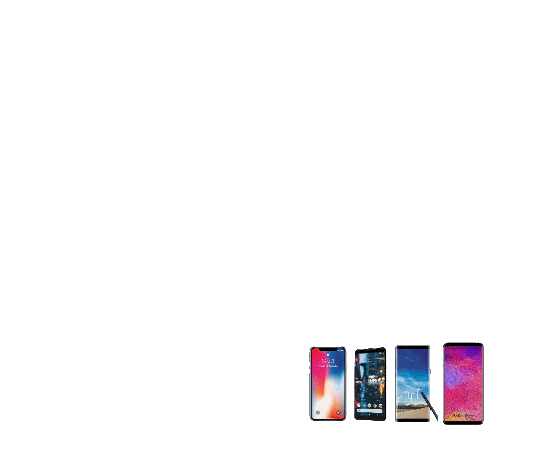
- iPhone 14 or later from the U.S. — U.S. models are eSIM-only, and China’s eSIM service doesn’t support phones purchased overseas. (There may be workarounds to install a physical SIM, but they can void your Apple warranty.)
Internet in China
Setting up home internet
Choosing the right provider is one of the first steps to getting settled. Here are the big three:
| Provider | Notes | 500 Mbps | 1000 Mbps |
|---|---|---|---|
| China Telecom | Available in most areas of Shanghai | ¥960 / yr | ¥1,200 / yr |
| China Unicom | Recommended — fewer firewall blocks for overseas access; apply if it’s available in your area | ¥700 / yr | ¥1,000 / yr |
| China Mobile | Lower cost, but often less stable — not recommended | — | — |
Setting up WiFi at home
Once your internet is installed, make sure your WiFi covers the whole home. In many apartments, concrete walls block or weaken the signal, so it’s common for WiFi not to reach bedrooms or corners.
- Use a WiFi extender or mesh router system to boost coverage
- These are easy to set up and ensure strong signal in every room
Accessing overseas websites
Many international sites and apps — like Google, YouTube, Instagram, WhatsApp, and Netflix — are blocked in China. To stay connected you’ll need a VeePeeN (we call it “V” in the rest of this article).
- Sign up for a reliable V provider — we recommend services like Getastr.com
- Install the V software on your computer, phone, and tablet
- Change your server location regularly (e.g. Japan, Singapore, or U.S.) to help bypass the Great Firewall
Understanding internet speed
Providers may advertise speeds up to 2,000 Mbps — but there’s a catch: that speed usually applies to sites within China. International speed (YouTube, Google, Netflix) can vary, especially during evening peak hours.
- On Fast.com, expect international speeds of 10–100 Mbps depending on time and V server performance
- A speed of 10 Mbps is usually enough for smooth 1080p streaming from YouTube or Netflix
TV & entertainment
Overseas streaming channels (Netflix, Hulu, Disney+, etc.) are not directly available in China — but you still have options.
- A streaming device like Apple TV, Amazon Fire Stick, or an Android TV box
- A proper WiFi setup with a VPN installed (we can help with the right tools and setup)
- An international streaming account (e.g. Netflix, Prime Video)
Buying a TV in China: TVs are affordable and easy to find. Choose a model that supports English menus and settings — some Chinese smart TVs have limited app compatibility, so check before buying.
Live TV channels are harder to access, but don’t worry — there’s always a workaround (ask us for tips!).
Phone network & SIM cards
You’ll need a physical SIM card from one of the three major carriers: China Telecom, China Unicom, or China Mobile. Each plan must include data (GB) and call minutes.
Popular plans (as of now)
| Carrier | Data | Calls | Price |
|---|---|---|---|
| China Telecom | 30 GB | 100 min | 59 RMB/mo |
| China Unicom | 29 GB | 300 min | 59 RMB/mo |
Getting around & translation
Navigating big cities like Shanghai and Beijing is easier than you might expect.
- Works well in major Chinese cities
- Street signs are in both English and Chinese
- Reliable for walking, driving, and public transport
- Highly accurate for China — a must-have
- Camera translation for menus, signs, packaging
- Live voice and text translation for chats & shopping
- English-language navigation apps may not work as smoothly
- Google Maps in China is often outdated or incomplete due to lack of a local business license
Online shopping
Top platforms
- Taobao.com — China’s biggest online marketplace (similar to Amazon / eBay)
- JD.com — great for electronics and faster logistics
Language tips
- Taobao is in Chinese by default, but you can switch to English in the app settings (click here to learn how)
- Use Google Chrome with a VPN on to auto-translate websites into English
- Install the “Linguist – Web Pages Translator” Chrome extension for quick, accurate translation of product descriptions or chat support
- Returns: most products can be returned within 7 days if you simply don’t like them; electronics are often non-refundable unless defective — keep original packaging
- Warranty: international warranties usually do not apply, except for Apple products
- Delivery: fast — typically 1–3 days, left at your doorstep, lobby, or a smart locker. Track at kuaidi100.com
- Fake items: be cautious with luxury goods and smartphones; avoid deals that seem too good to be true. Windows laptops ship with a Chinese OS, while MacBooks support all languages
Tips about WeChat
WeChat is China’s most widely used app for messaging, payments, and daily life. You can set it up with an international phone number — no Chinese SIM required at first.
Setting up WeChat Pay
- To unlock WeChat Wallet, go to Settings › Phone Number and link your Chinese mobile number
- To add a Chinese bank card, make sure the name and info match your bank’s records exactly
- We recommend visiting the bank in person with your phone — they can help link your card properly
- Chinese bank cards can be hard to get; if needed, ask us for tips or support
What else can WeChat do?
- Send and receive money, split bills, and make purchases
- Pay utilities, shopping, dining, and transportation
- Translate text in photos — handy for signs and menus
- Share updates in your personal feed, called WeChat Moments
Add people by phone number, by WeChat ID, or by QR code (save or print yours — great for events!).
Daily transportation
- App is available in English
- Accepts international credit cards with no extra fees
- Can’t find it in the App Store? Learn how to install it
- Get a physical metro card from any station, or use Alipay: open the app › search your city › enable the subway QR code
- You can add a digital subway card to Apple Wallet — your iPhone becomes your metro pass
- Scan the QR code on the bike using WeChat
- Rides cost around 6 RMB per hour
Internet censorship
China’s internet is more closely monitored than you may be used to. For your own privacy and safety, avoid posting, sharing, or commenting on anything related to government or authorities — even on platforms like WeChat, Facebook, or Instagram.
Your daily digital life is still very doable: Google Search, Netflix, YouTube, and other services work just fine — with the right setup. (We can help with that too!)
Need a hand getting set up?
From power adapters and SIM cards to VPN, WeChat Pay, and streaming — we sort the tech in English so day one just works.
Add us on WeChat — Puxi: tekshanghai_puxi · Pudong: tekshanghai_pd